

How we reduced spam score for a client website in just 2 days?
A site’s spam score plays an important role in its domain authority and overall site reputation. A score above 5% indicates an underlying issue that should be addressed immediately.
A client approached us with a site spam score of 14%. After auditing the site, we found:
⚠️ A large number of toxic backlinks
⚠️ Artificial and low-quality content across multiple pages
Lets find out how you can reduce your spam score strategically with these steps.
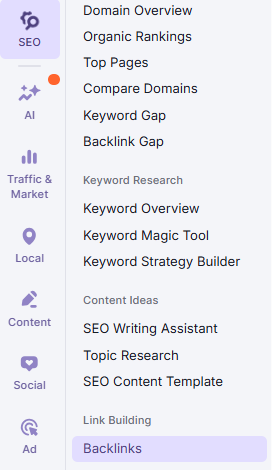
Step 1: Go to “Backlinks” on your SEMRush account
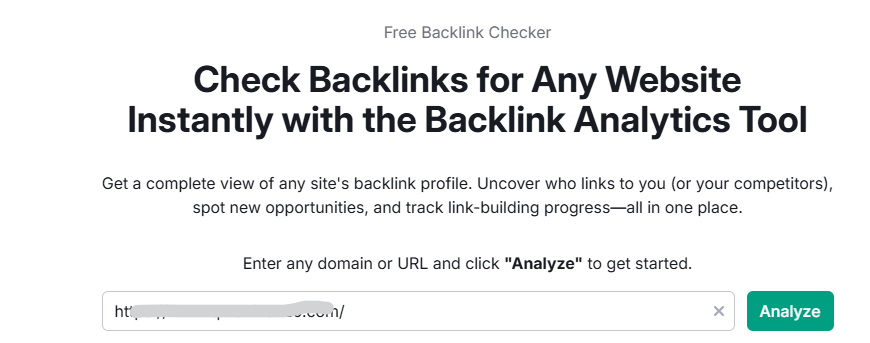
Step 2: Enter your domain and Analyze
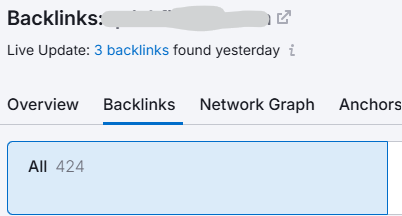
Step 3: Navigate to “Backlinks”
Step 4: Click on “Toxic Domains”
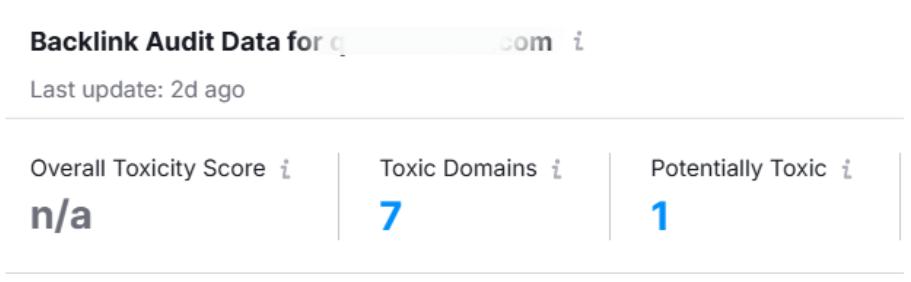
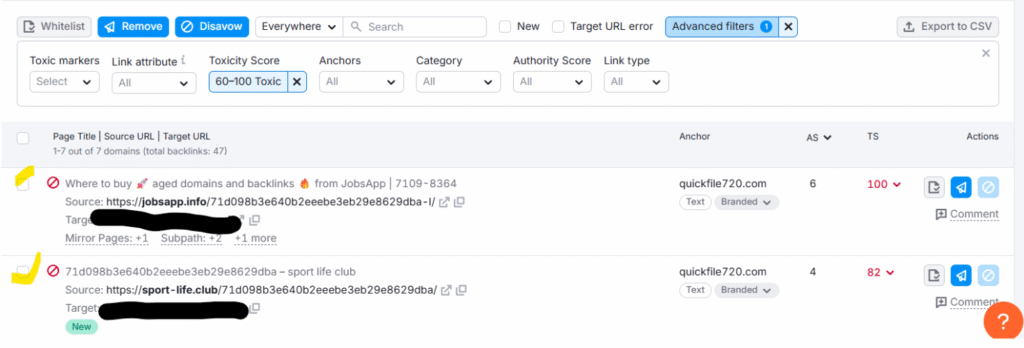
Step 5: Here, SEMRush populates a list of websites. Select Toxic Score between 60-100. And select all the respective and click Disavow
Read our blog on How to find AI Overview queries through SEMRush
Step 6: Click on “Disavow” at the top most of the SEMRush dashboard
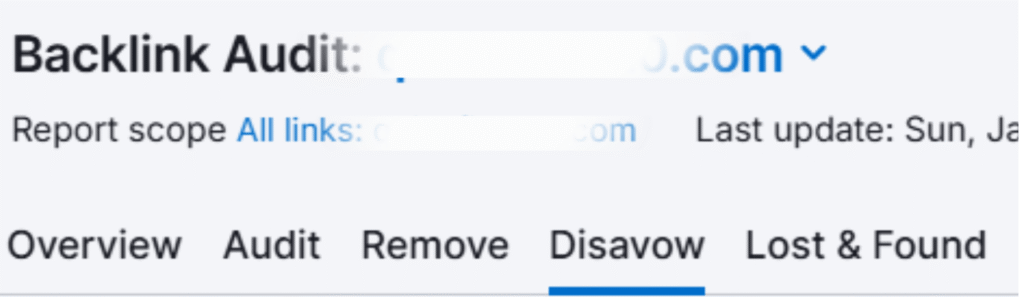
Step 7: Click “Export to TXT”

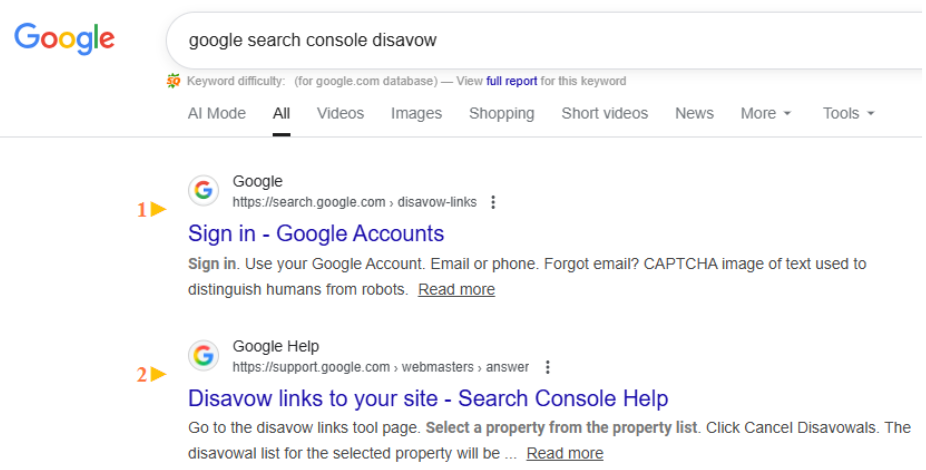
Step 8: Search on Google “Google Search Console Disavow”
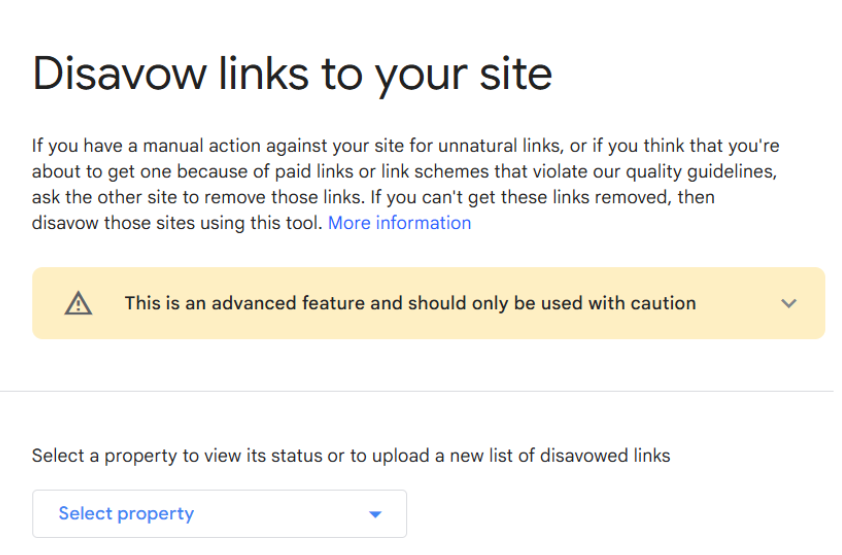
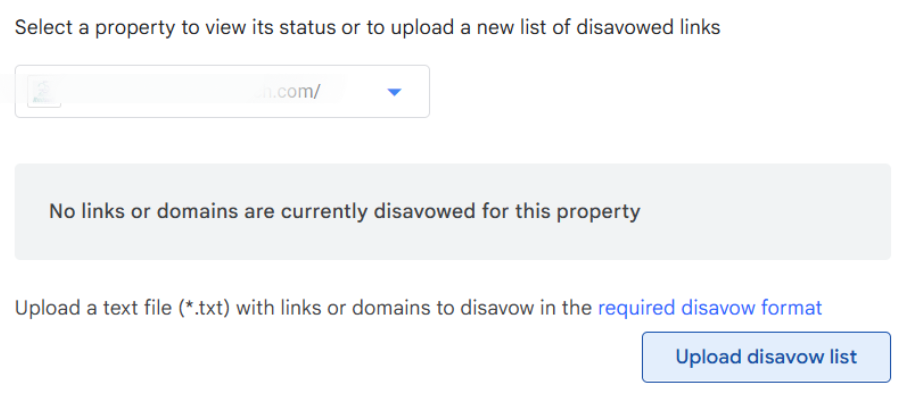
Step 9: Select your property
Step 10: Click on “Upload disavow list”
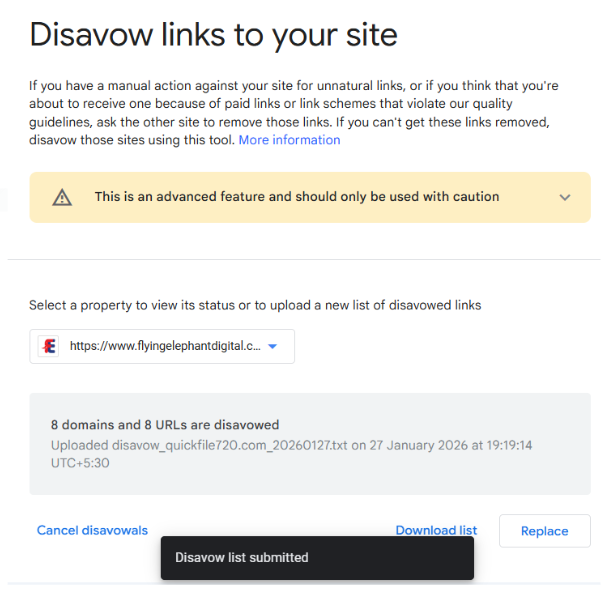
Step 11: Disavow list submitted successfully with Google.
The wrap:
Your site’s spam score would come down within days.
Overuse of artificial or spammy content is one of the fastest ways to hurt SEO.
Focus on unique content and a clear process to win the SEO game.